
The Un-Schedule Method: See Your Week Clearly
The Un-Schedule method is not against planning. It begins by mapping the time your week has already claimed, so imagined free time is not mistaken for real capacity.
You can practise the method with paper and a pen. A tool should make the boundaries easier to see, not decide every minute for you.
The problem it solves
We often do not lack time. We misread it.
A task list makes a week look like one large block of available space. Meals, travel, movement, relationships, and errands are missing from the same picture, so it is easy to promise more than the week can hold.
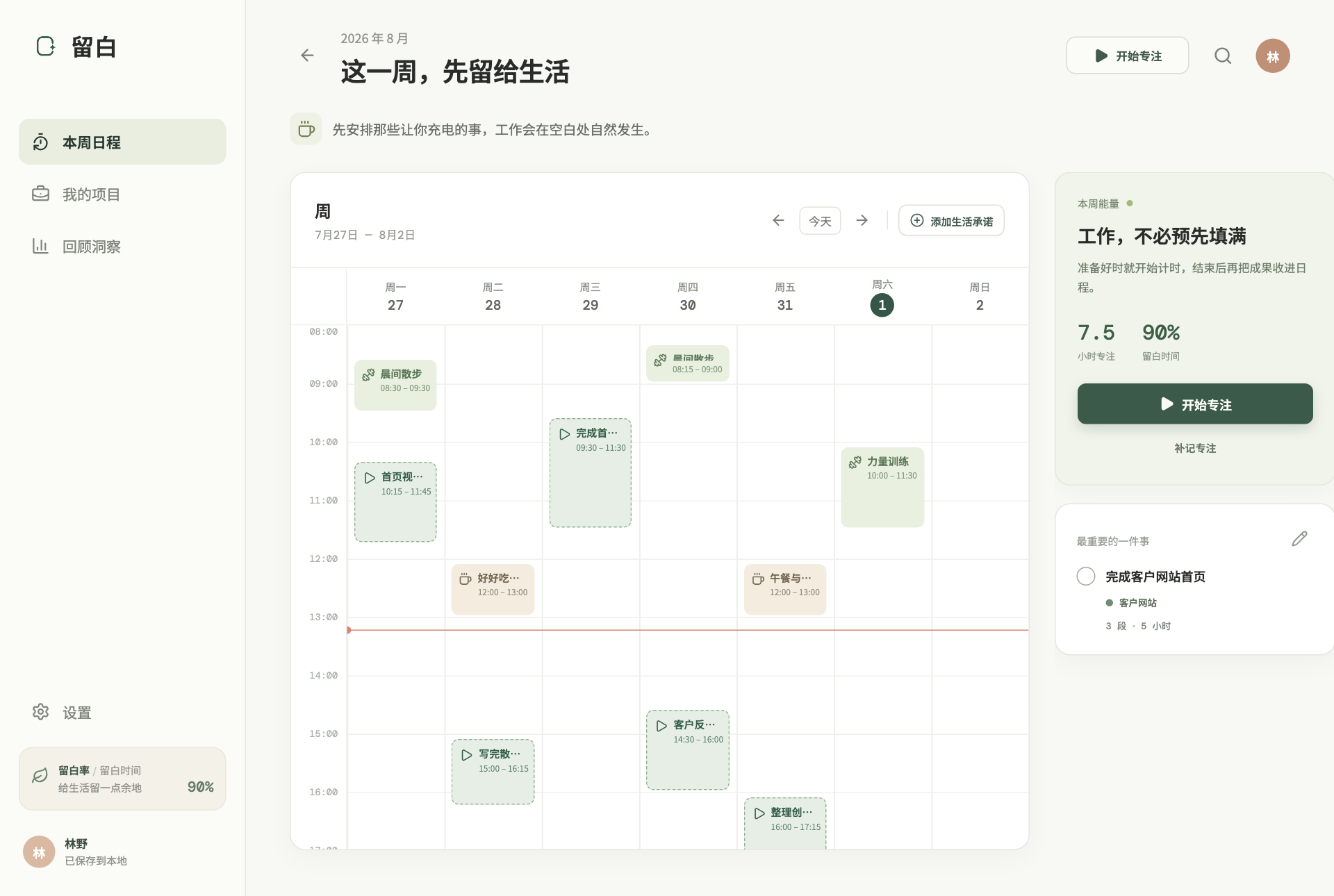
The Un-Schedule method records those existing commitments first. The blank space left on the calendar is the time that remains yours to choose. Focus is recorded after it happens, so a review reflects fact rather than wish.
Three steps
The Un-Schedule Method in Three Steps
Map fixed boundaries, observe what remains, then leave a trace only for effort that truly happened.
- 01
Write down time already committed
Start with meals and personal care. Add travel, appointments, chores, care, exercise, classes, and anything that cannot move freely. Sleep does not need to be entered as a life commitment; when drawing the week or setting its visible hours, use the time you are normally awake. Do not schedule work tasks yet.
Ask: has this already decided where I must be at a particular time?
- 02
See the time that remains yours to choose
Notice the spaces between commitments and whether they are continuous enough to use. Six scattered half-hours cannot carry the same work as one clear three-hour stretch.
Ask: is this merely time left on paper, or space I would genuinely choose to use?
- 03
Record focus after it happens
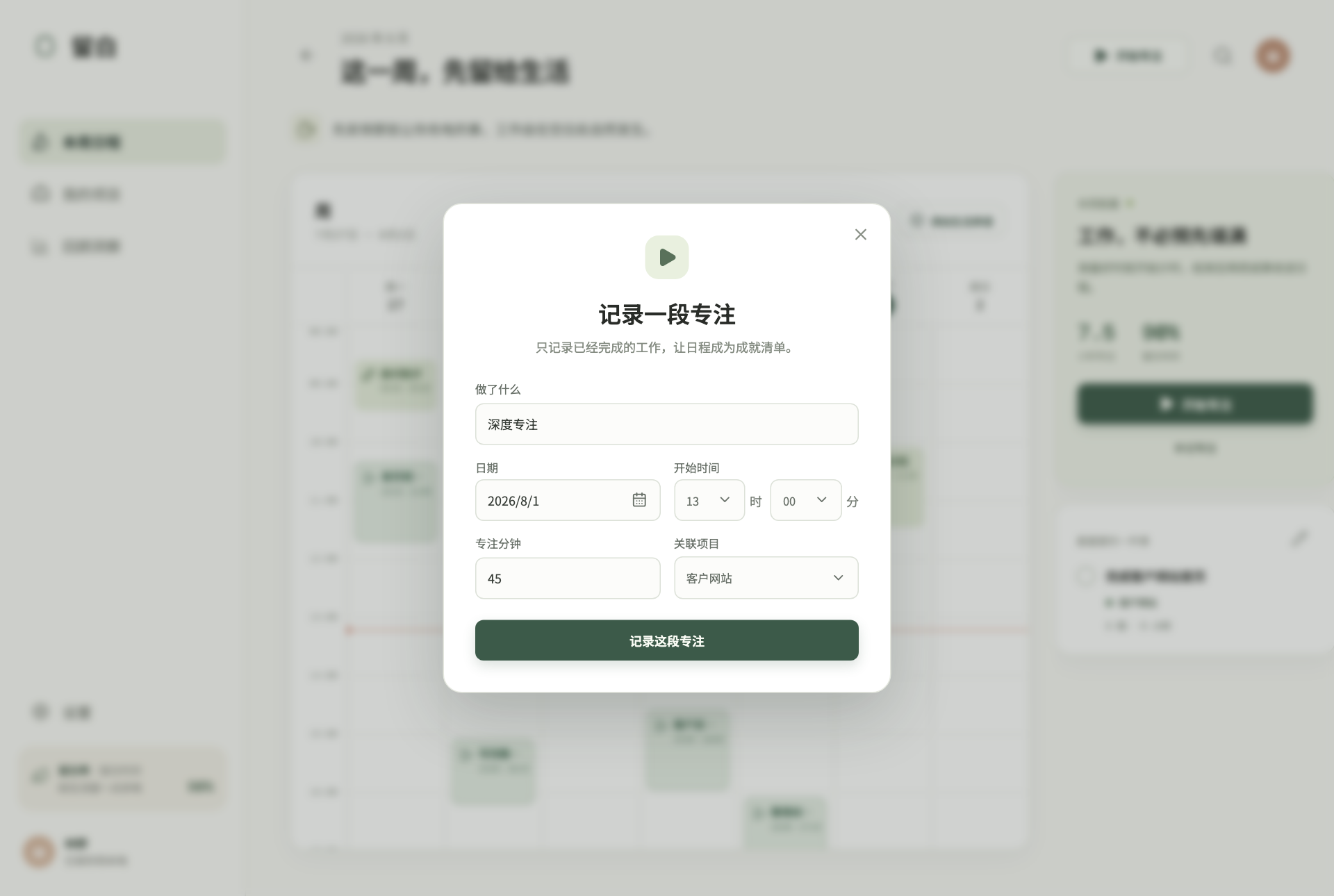
Starting does not require a promise of a perfect result. When you stop, record the time and outcome that actually happened. At week's end, you can see where attention truly went.
Ask: what did I just complete, rather than what did I hope to complete?
A concrete example
“I should have plenty of time” rarely survives a visible week.
An independent designer wants to move a client project forward and finish a personal portfolio piece. Her task list says nothing about capacity.
First estimate
I should be able to put in thirty hours.
Five weekdays appear almost empty, so she promises client revisions, a portfolio update, and a long-form article at once.
After mapping the week
The time is already divided into small pieces.
Meals, two workouts, a family dinner, an appointment, shopping, and travel leave far fewer continuous stretches than she imagined.
A realistic choice
Commit to ten hours, then adjust from facts.
She chooses the client project as the week's direction and leaves the rest on her list. Each completed focus session goes back onto the calendar.
Ten hours is not a universal formula. The point is to correct an estimate with your own commitments and energy, not work backwards from someone else's productivity standard.
What it is not
The Un-Schedule is not another way to fill the calendar.
It can live beside a task list, but it has a different job: making time capacity and actual effort visible.
A task list records what needs doing
Lists are useful for keeping commitments, but they do not show whether one week can hold them. More tasks do not create more time.
Time blocking decides when in advance
Blocks suit work that is already decided. The Un-Schedule keeps time open first, so a wish does not become a promise too early.
The Un-Schedule shows how much time is truly there
It reveals existing commitments and open space, then uses after-the-fact records to correct how you understand your working rhythm.
Common mistakes
Open space is not a gap waiting to be eliminated.
Counting every open hour as work time
Open space is only time that remains choosable in theory. Transitions, rest, surprises, and simply doing nothing are all legitimate uses.
Leaving out commitments that feel too ordinary
Meals, showers, shopping, and travel are exactly what capacity estimates tend to miss. The more ordinary they feel, the more useful they are to map.
Expecting the calendar to match reality perfectly
A changing week is not a failure. Update commitments and keep recording facts; that is how estimates become more accurate over time.
Begin with next week
Make the first version rough, but honest.
You do not need a new system or a record of the past. Take next week's calendar and spend ten minutes on a first pass.
- 01
Draw the next seven days and broad time ranges. Five-minute precision is unnecessary.
- 02
Add meals, travel, care, movement, and appointments that are already decided.
- 03
Circle continuous stretches that remain yours to choose, then select one realistic direction for the week.
- 04
Add focus only after it happens. At week's end, compare your first estimate with the record.
Where the method comes from
A method with a clear source, and an independent product.
Psychologist Neil Fiore developed the Un-Schedule method and presented it systematically in The Now Habit. His official site still provides a Sample Un-Schedule and a Blank Un-Schedule.
Jane B. Burka and Lenora M. Yuen also introduce and recommend the method in Procrastination: Why You Do It, What to Do About It Now, explicitly crediting Neil Fiore.
Keep the boundaries visible
Do not make the week fuller. See it more clearly first.
Open Space puts life commitments, time that remains yours to choose, and completed focus on one weekly calendar.